Sorting
Sorting is enabled by default in the grid. One may choose to sort headers of a particular dimension through the context menu available in the dimension tab.

In the MDC Grid, dimensions are grouped from left-to-right. So, sorting applied to a left dimension will affect the grouping of the grid but each dimension is sorted internally.
A dimension could be sorted either based on the member_order or member_label or any of its measures.
By default, sorting is applied on the member_order and the order of sorting is ascending.
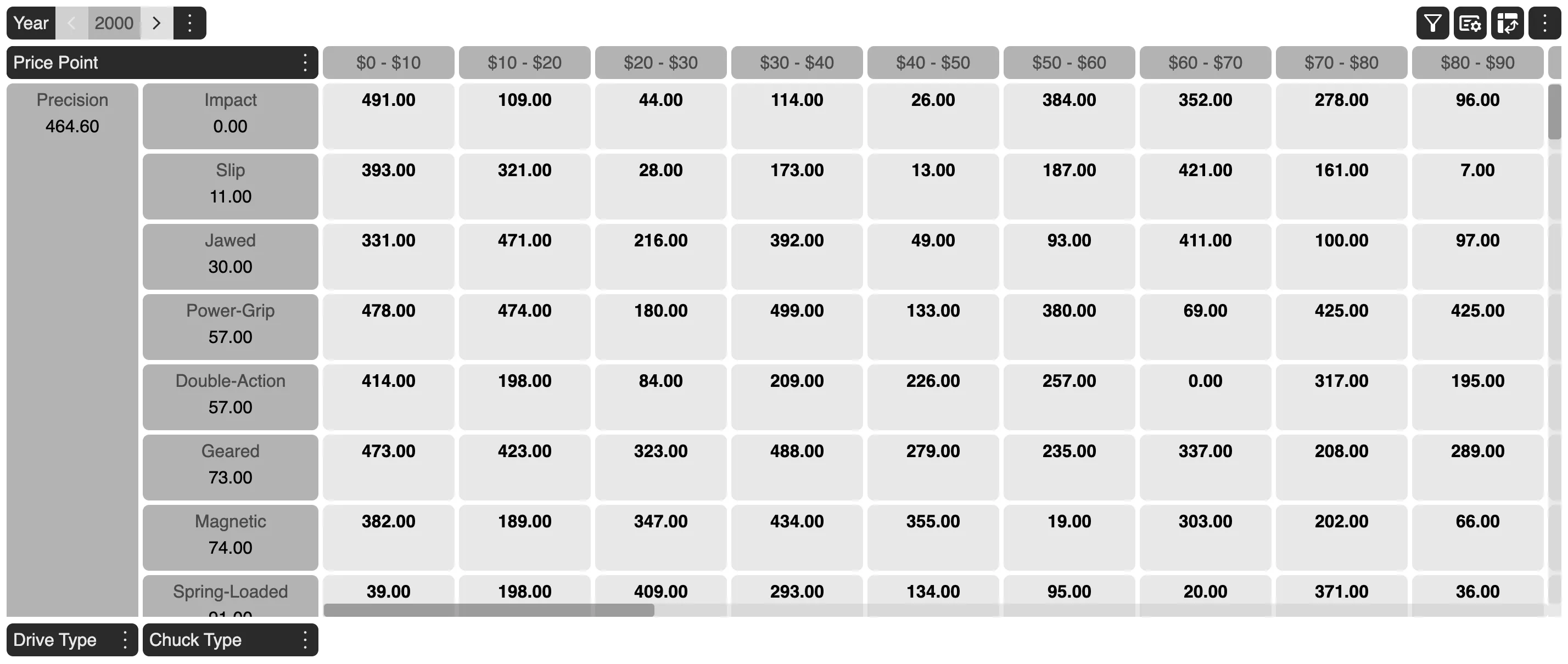
For example, in the given grid below, Drive Type dimension has Act Sales $ as a measure value being displayed and Chuck Type dimension has WP Sales U as a measure value being displayed.
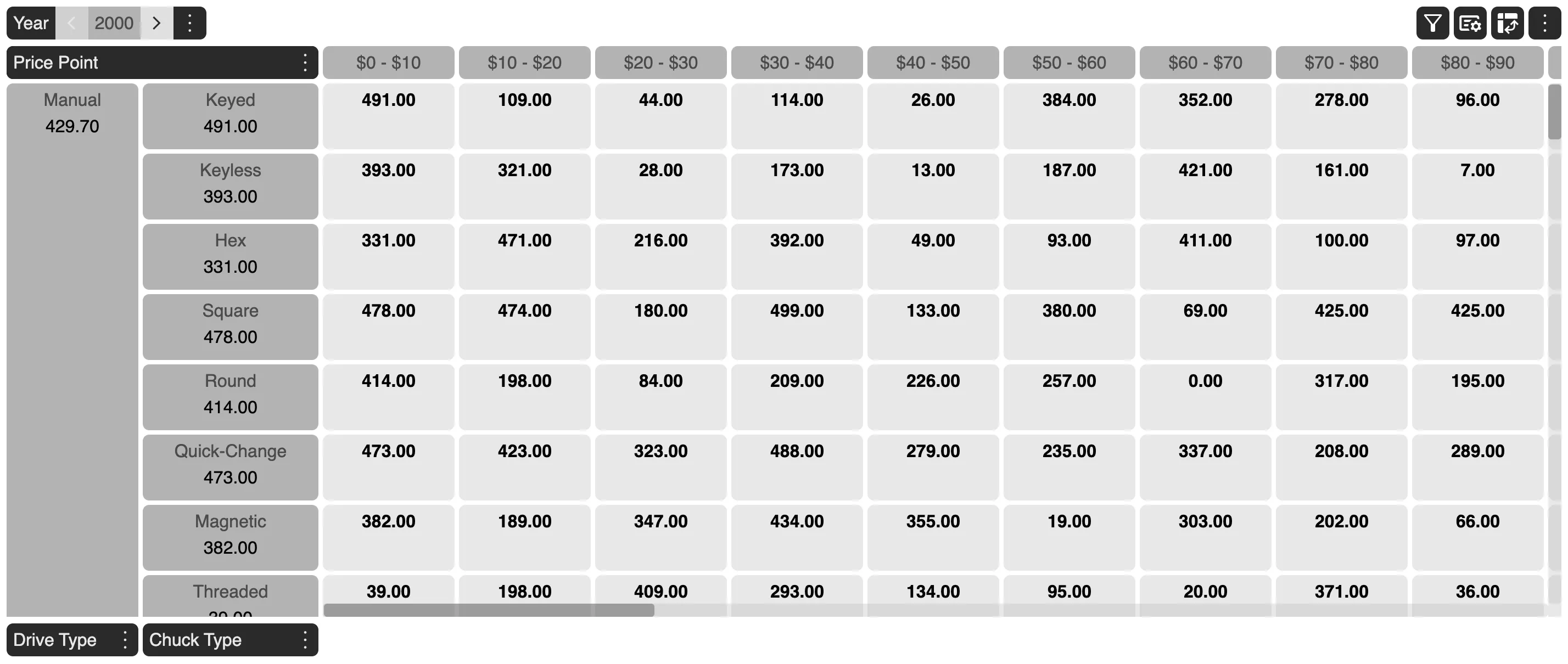
We will now apply sorting on the Drive Type based on the Act Sales $ in descending order and WP Sales U on Chuck Type dimension in ascending order. You can see how the grid reacts to the sorting applied.